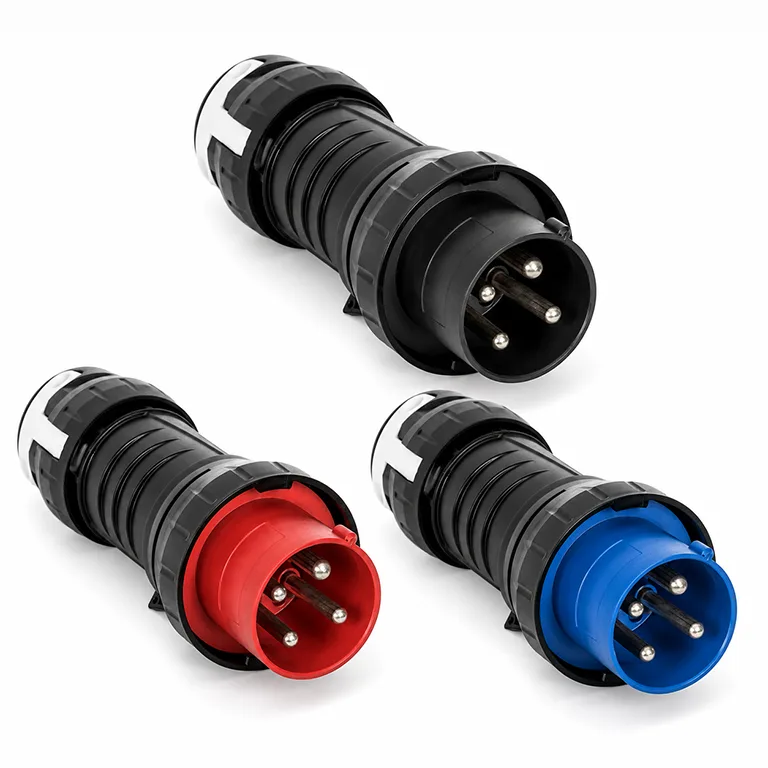
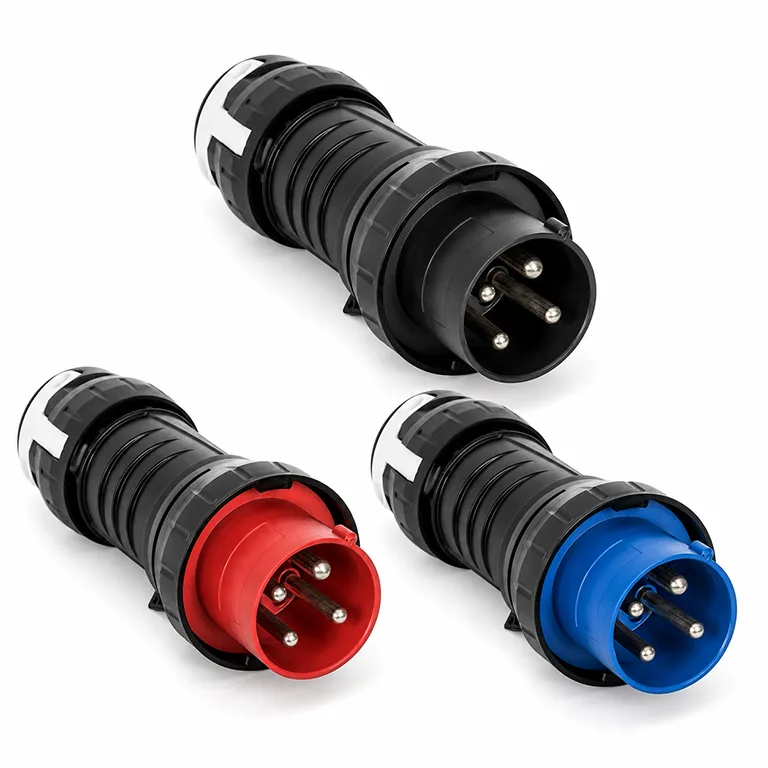
Ex 63A plugs – 4P | 5P
ATEX marking
 II 2 G Ex db eb IIC T5 Gb
II 2 D Ex tb IIIC T80°C Db
Technical specifications
Downloads

A comparison with brands from Germany, Italy and Croatia revealed an average price difference of 30 per cent, with no apparent difference in build quality.

We top up our stock on an ongoing basis to ensure that the most popular variants are available straight away.

We design and manufacture socket sets and distribution boards for Ex zones, tailored to the requirements of the installation.

Are our products of high quality? Book a visit to our demo centre and compare them with solutions from other companies.

Ex Sockets and Plugs
Main electrical parameters
CURRENT | POLES | AC/DC PART NO. | AC/DC VOLTAGE | DATA SHEET |
|---|---|---|---|---|
63A | 4P (3P + PE) | HSP1P 63 AC250 4P PLG HSP1P 63 AC415 4P PLG HSP1P 63 AC500 4P PLG HSP1P 63 AC690 4P PLG | 🔵 200~250V AC 🔴 380~415V AC ◯ 480~500V AC ◯ 600~690V AC | Download |
63A | 5P (3P + N + PE) | HSP1P 63 AC250 5P PLG HSP1P 63 AC415 5P PLG HSP1P 63 AC500 5P PLG HSP1P 63 AC690 5P PLG | 🔵 200~250V AC 🔴 380~415V AC ◯ 480~500V AC ◯ 600~690V AC | Download |
Ambient temperature: -45°C to +65°C | Degree of protection: IP66 | Cable entry: M25 cable gland + M25 blanking plug Integrated switch: ON / OFF switching by rotating the plug in the socket |
||||
AC/DC PART NO. | POLES | AC/DC VOLTAGE |
|---|---|---|
HSP1P 125 AC250 4P W-SCT HSP1P 125 AC415 4P W-SCT HSP1P 125 AC500 4P W-SCT HSP1P 125 AC690 4P W-SCT | 4P (3P + PE) | 🔵 200~250V AC 🔴 380~415V AC ◯ 480~500V AC ◯ 600~690V AC |
| PDFDownload | ||
HSP1P 125 AC250 5P W-SCT HSP1P 125 AC415 5P W-SCT HSP1P 125 AC500 5P W-SCT HSP1P 125 AC690 5P W-SCT | 5P (3P + N + PE) | 🔵 200~250V AC 🔴 380~415V AC ◯ 480~500V AC ◯ 600~690V AC |
| PDFDownload | ||
Ambient temperature: -45°C to +65°C | Degree of protection: IP66 | Cable entry: M25 cable gland + M25 blanking plug Integrated switch: ON / OFF switching by rotating the plug in the socket |
||
CHECK PRICES / BECOME A DISTRIBUTOR
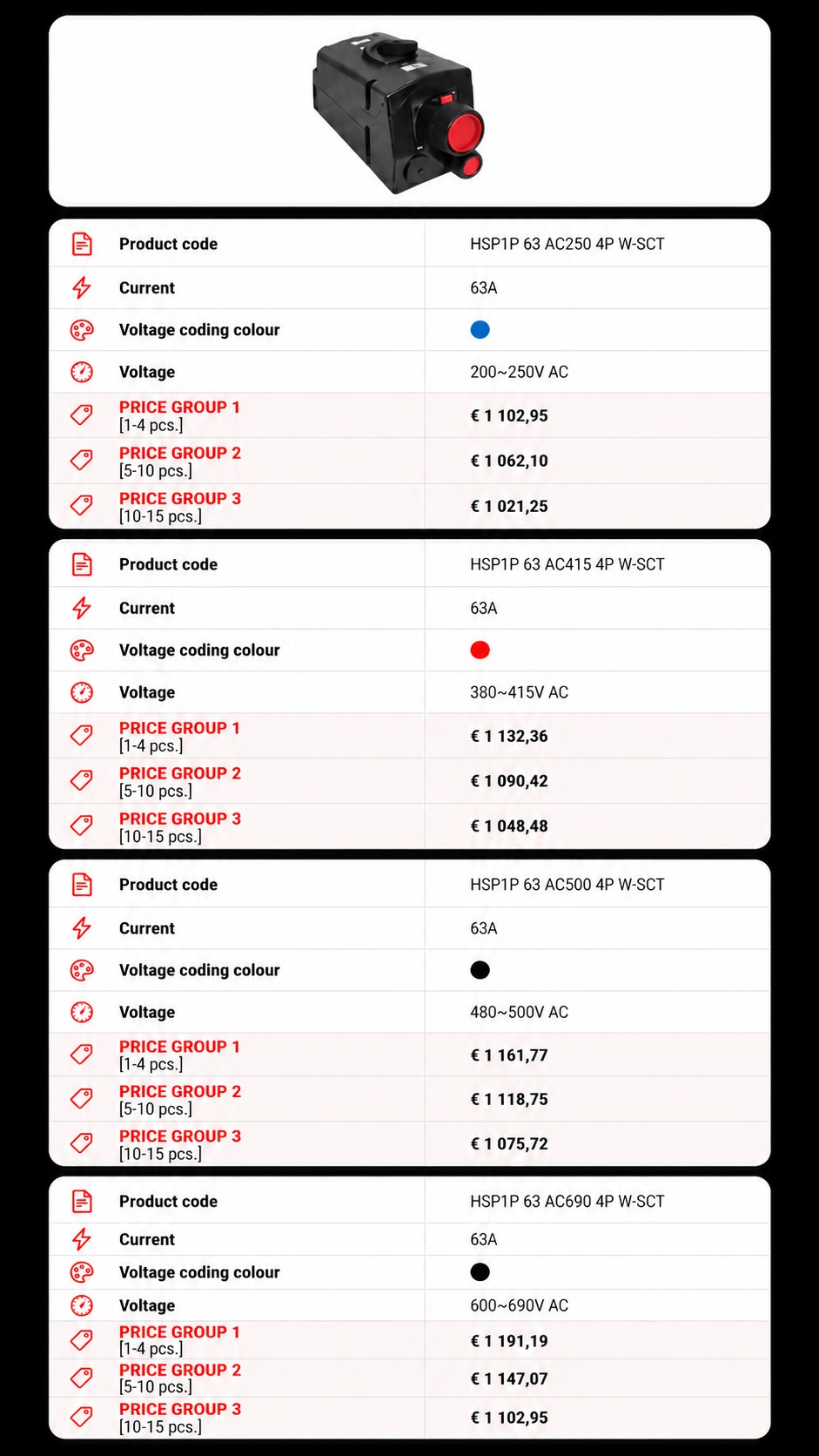
Price list for Ex sockets and plugs

Skrzynki łączeniowe
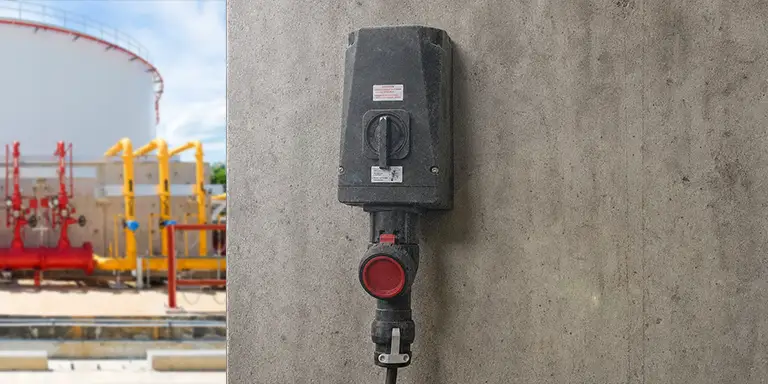

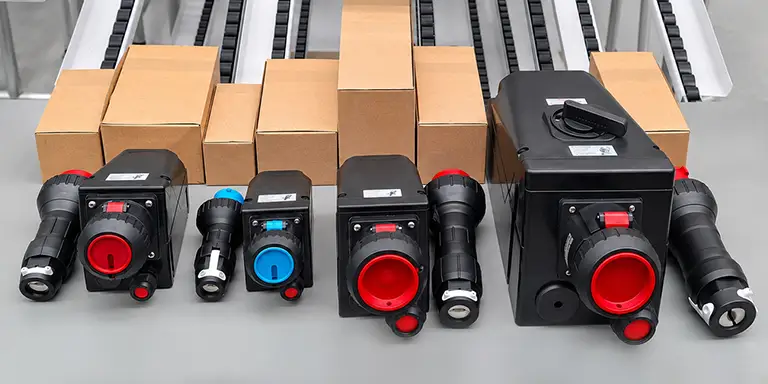
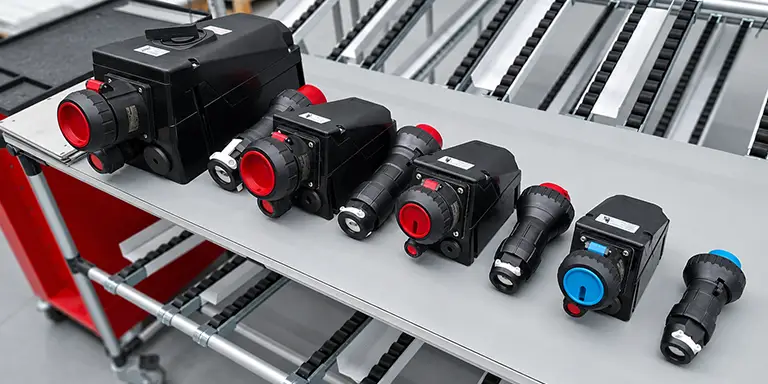

Safe connection and disconnection of the HSP1P plug
Step 0 – Pre-use check
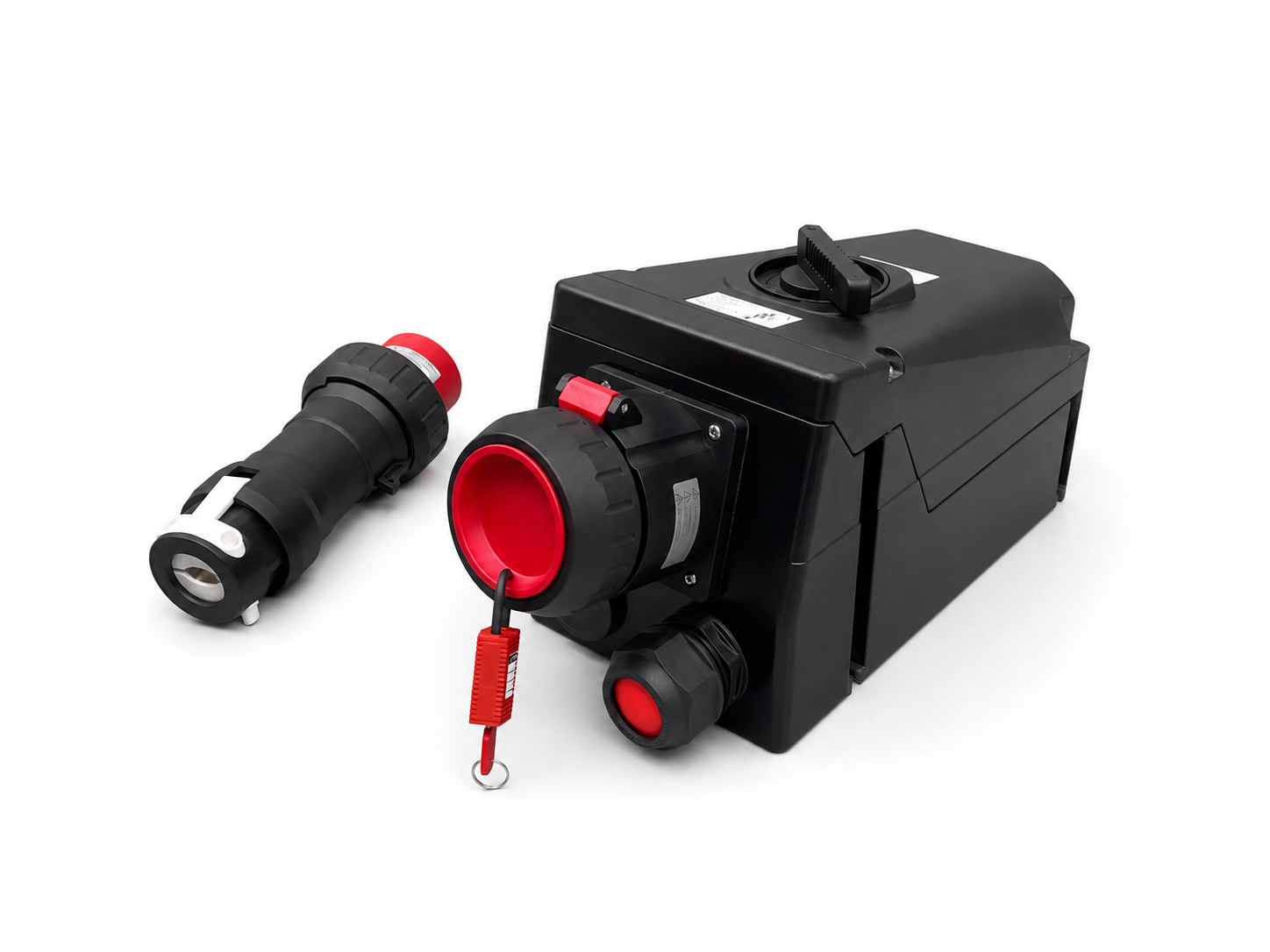
Before use, check that the information on the rating plates matches the system specifications, and inspect the condition of the socket, plug, cable, seals, cover and locking mechanisms. Do not use the kit if you find any cracks, missing parts or other damage.
Disconnect the power supply from the device and ensure that the socket dial is in the ‘O’ / OFF position. The plug must not be inserted or removed whilst the power is connected or the circuit is live.
Step 1 – opening the protective cover
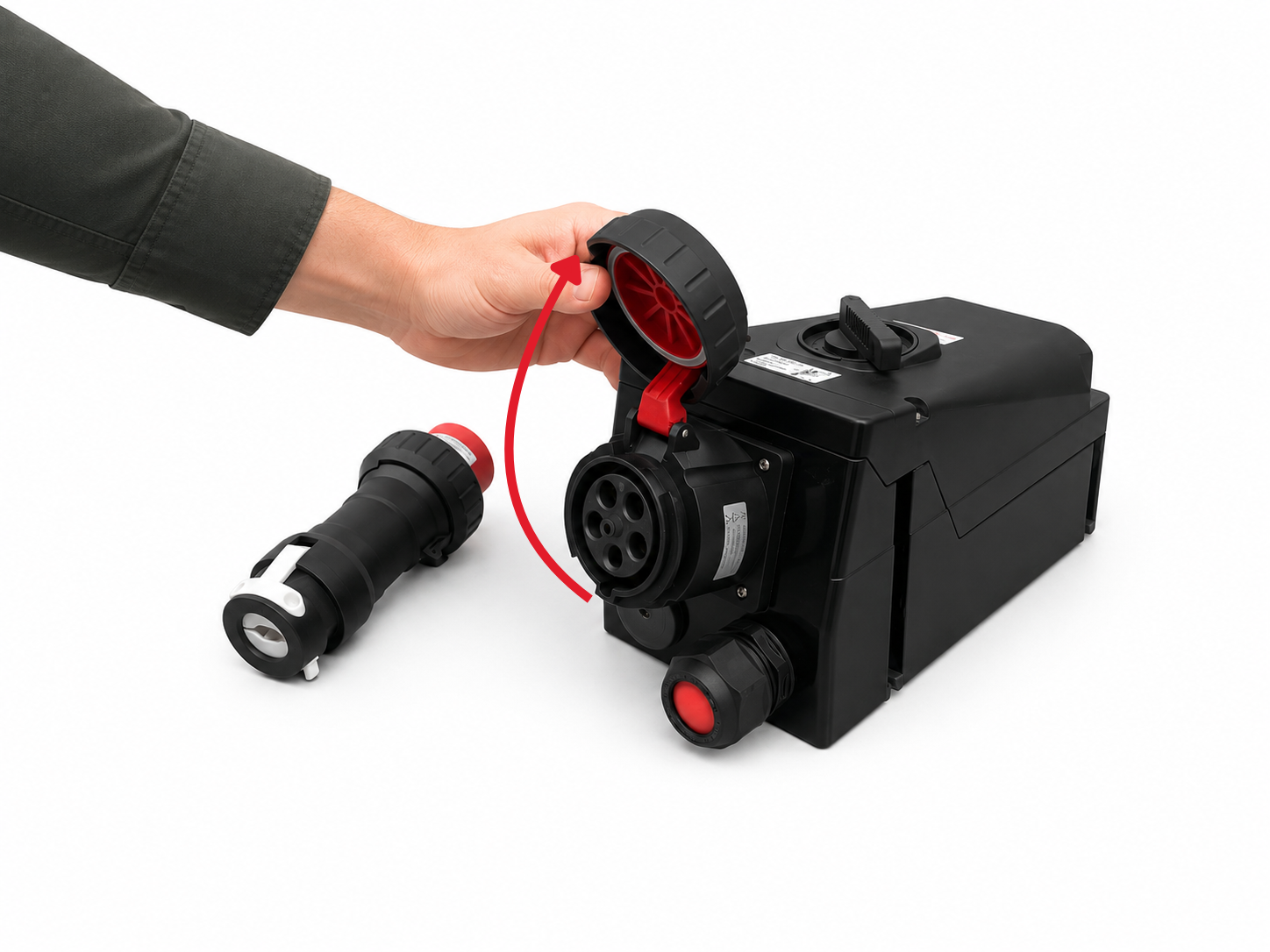
Unscrew the protective cover and lift it upwards. Check that the inside of the socket is clean, dry and undamaged.
The cover, together with the seal, protects the socket when not in use from dust and water, ensuring an IP66 rating.
Step 2 – inserting the plug

Align the plug according to the mechanical coding, the pin configuration and the position of the PE protective contact. Then insert it straight into the socket until it is fully seated. Do not twist or tilt the plug whilst inserting it.
The contact sleeves feature a self-cleaning design which, during insertion, minimises the build-up of contaminants on the contact surfaces. For the 125 A variant, support the weight of the plug to avoid applying lateral stress to the socket.
Step 3 – blocking the connection

Whilst holding the plug body steady, turn the ribbed locking ring clockwise as far as it will go.
The ring stabilises and seals the connection and prevents the plug from coming loose accidentally. Before switching on the circuit, ensure that the plug is fully inserted and correctly locked in place.
Step 4 – switching on the circuit
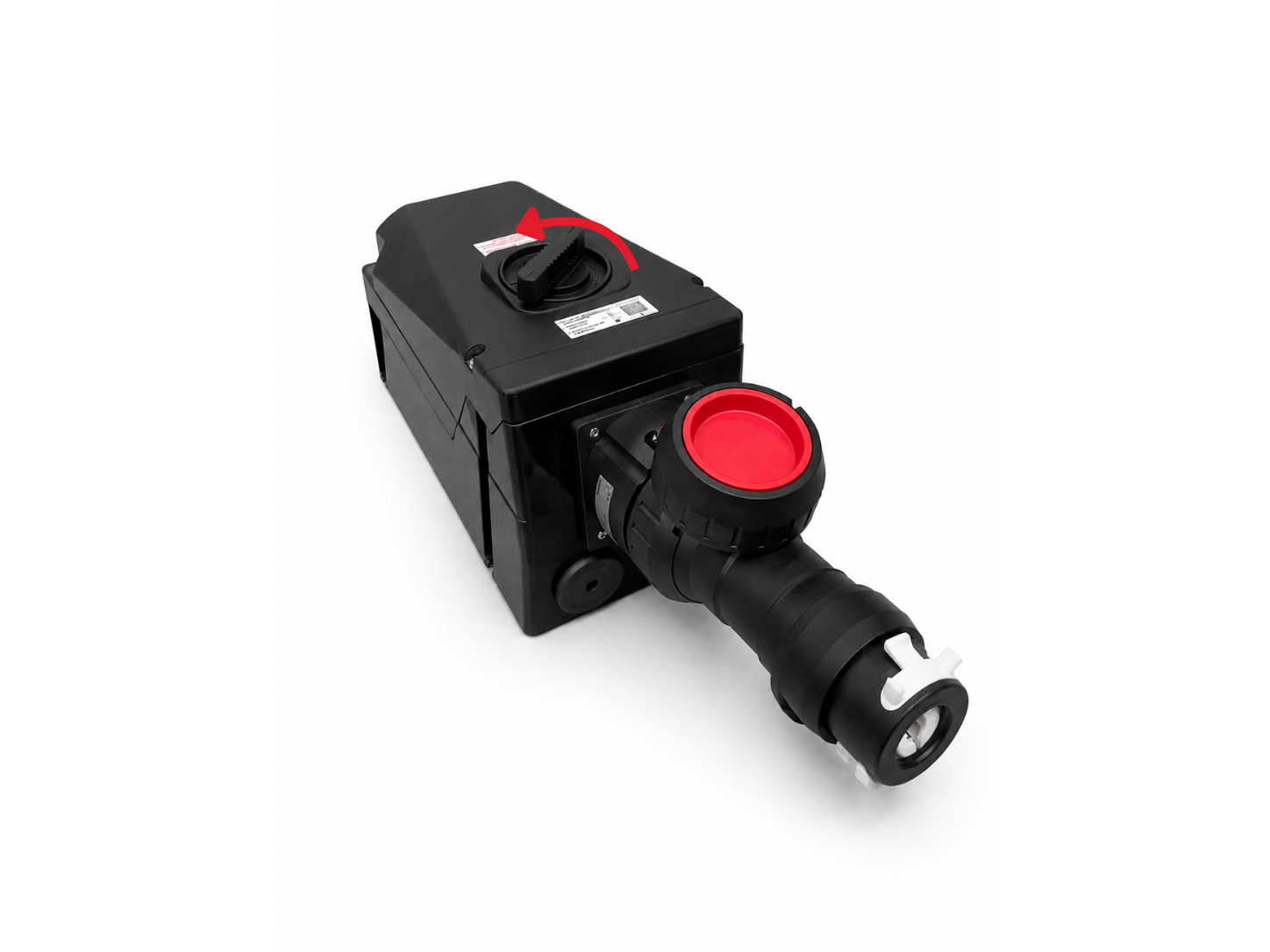
Turn the knob on the socket housing from the ‘O’ / OFF position to the ‘I’ / ON position, as indicated on the device.
Turning the knob activates an internal switch and closes the electrical circuit. A mechanical lock prevents the plug from being removed whilst the device is in operation. The device can only be switched on once the plug has been fully inserted and locked into place.
Step 5 – switching off the circuit
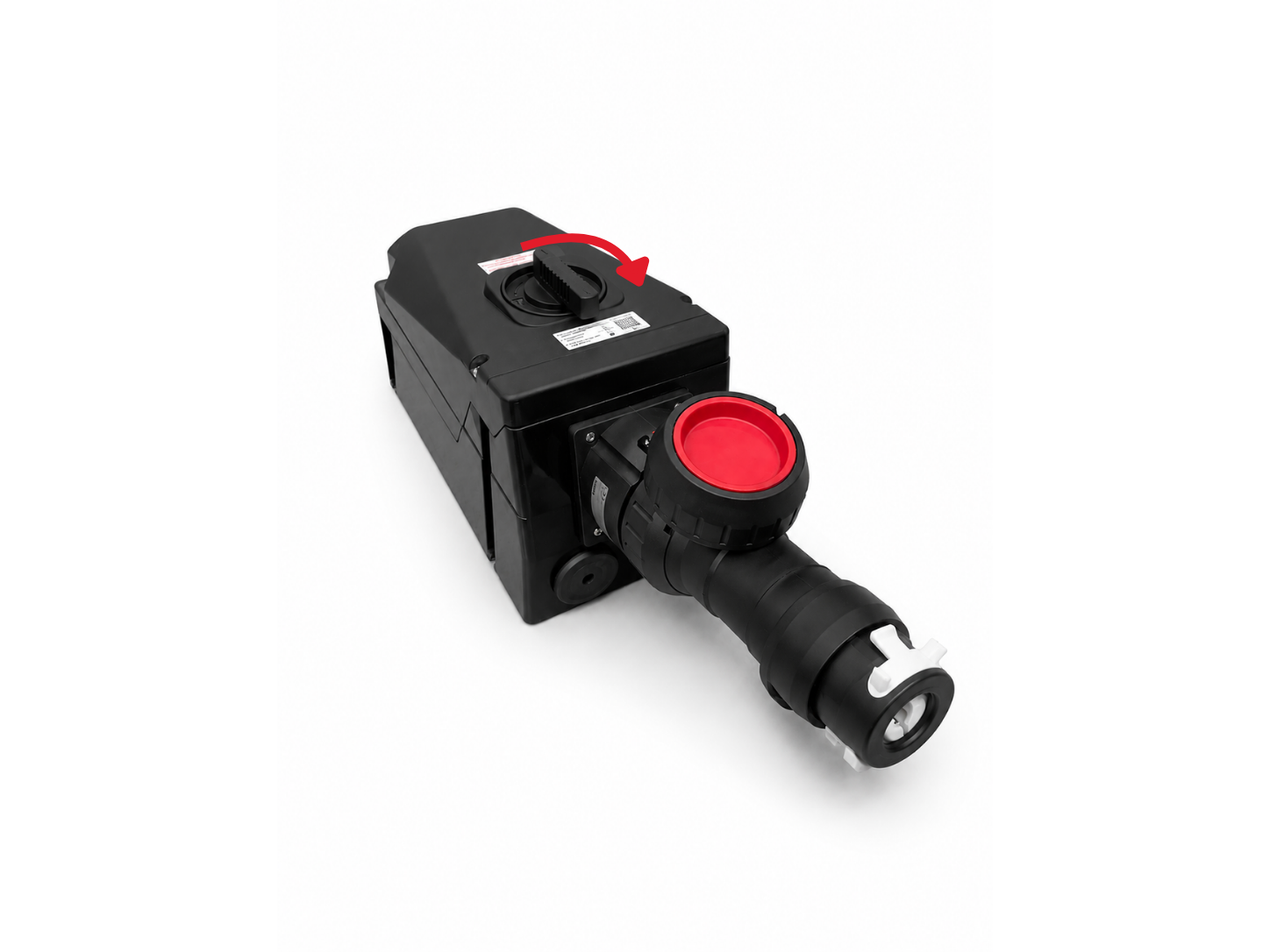
When you have finished using the appliance, first switch off the power supply. Then turn the knob from the ‘I’ / ON position to the ‘O’ / OFF position.
Turning the knob to the OFF position opens the internal switch and allows the plug to be safely unclipped. Do not begin to unplug it until the power has been switched off.
Step 6 – Unlocking and removing the plug
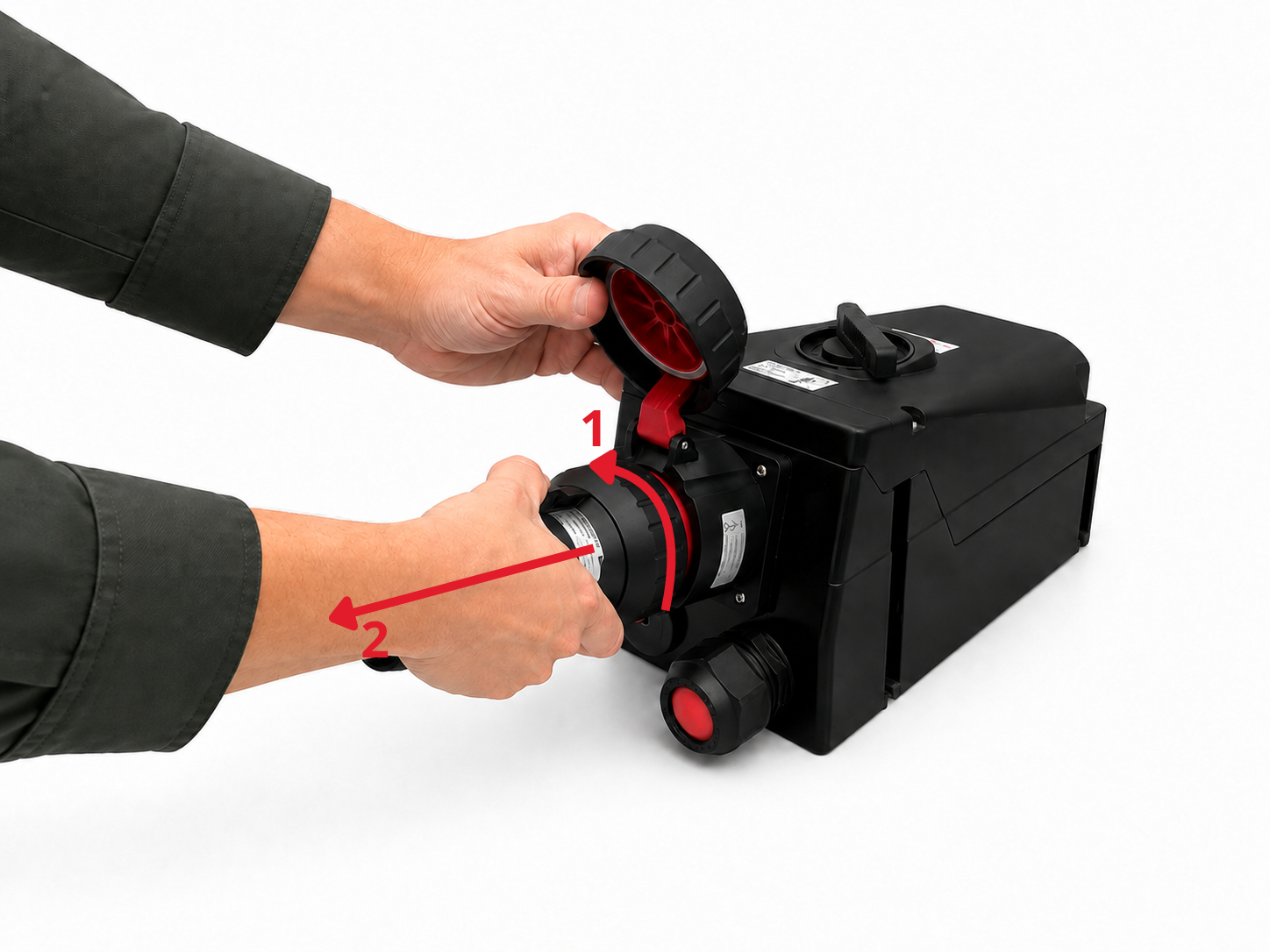
Whilst holding the plug body steady, turn the locking ring anti-clockwise until the connection is completely released.
Next, pull the plug straight out of the socket, in line with the connector’s axis. Do not twist or tilt it whilst removing it. For the 125 A version, support the weight of the plug to avoid damaging the socket or the contacts.
Step 7 – closing the lid

Once the plug has been completely removed, lower the protective cap and tighten it securely.
When the socket is not in use, the cover should remain closed. This protects the interior of the appliance from dust, moisture and water vapour.
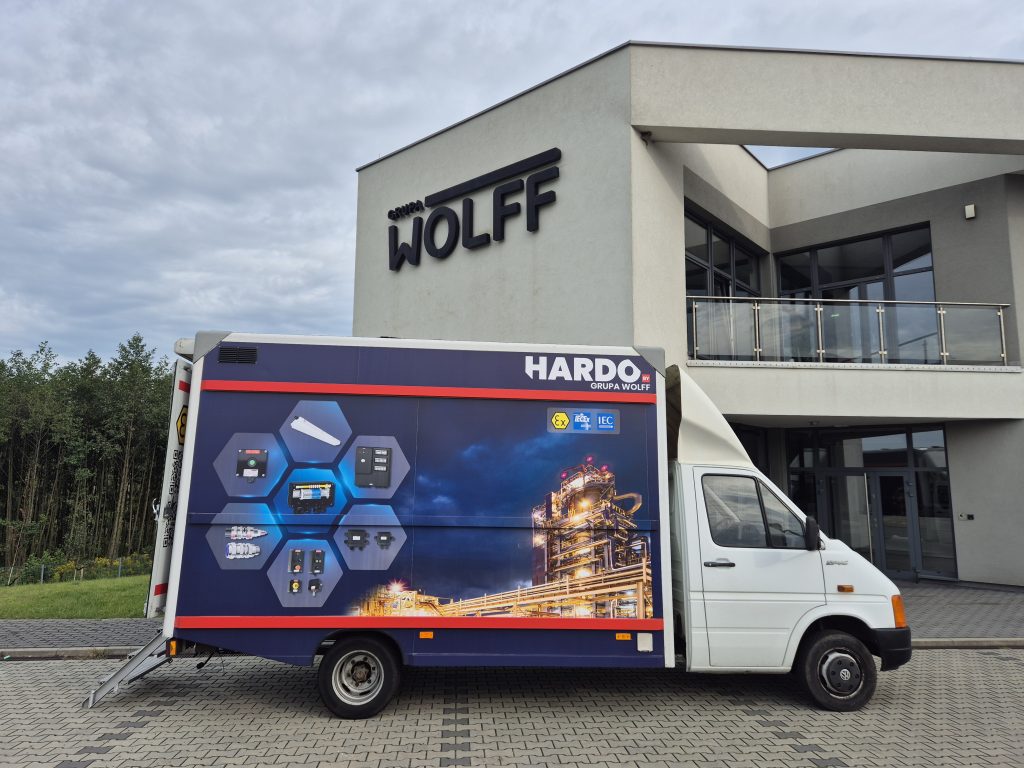
Mobile demonstration centre
Are you facing a project in the Ex sector? Do you feel that your knowledge isn’t quite up to scratch? Are you looking for a long-term supplier or considering changing your current one?
Any one of these reasons is enough to book a visit from our mobile demonstration centre.
Why do our customers book a visit from the mobile demo centre?
They want to compare the quality and functionality of HARDO’s solutions and those of other manufacturers directly at their own site
They need to train the team in the installation and selection of Ex equipment
They are working on standardising equipment within their company and are looking for the best options
They want to speed up the purchasing process by viewing and testing the equipment in person
They want to assess not only the technical specifications, but also the ergonomics and ease of use of the products
They value direct contact and the opportunity to talk to engineers
See for yourself!
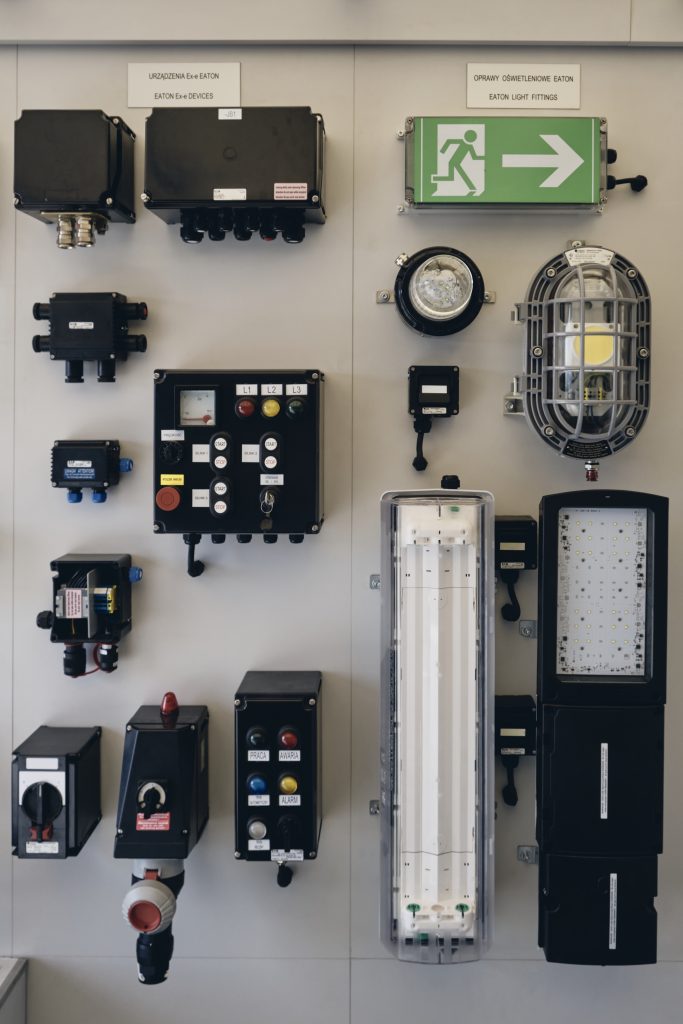
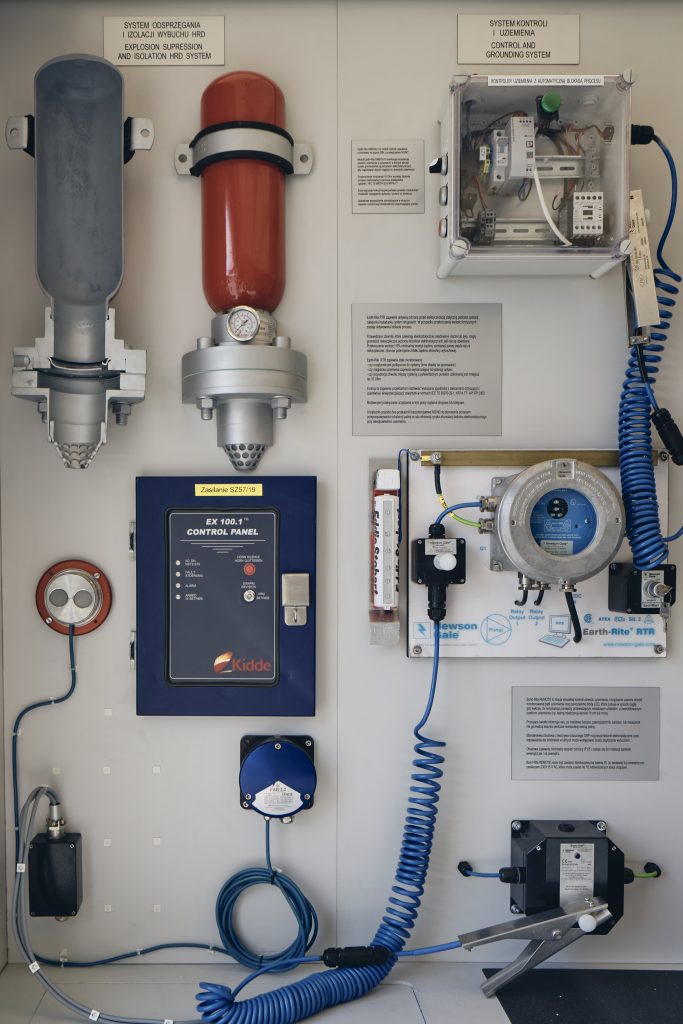
See what our products look like in real life and choose the ones you need

Which sectors do we support?
We’re here to provide the best solutions for industry. Find out how we can help your business!